Create your account and workspace
Create your Caryon ID, then your workspace. The free Caryon Lead trial starts right away, no credit card needed.
Your Caryon ID is your single account: it signs you in to every Caryon tool. Your workspace is what you share with your team — your companies, your contacts, your actions.
Create your Caryon ID
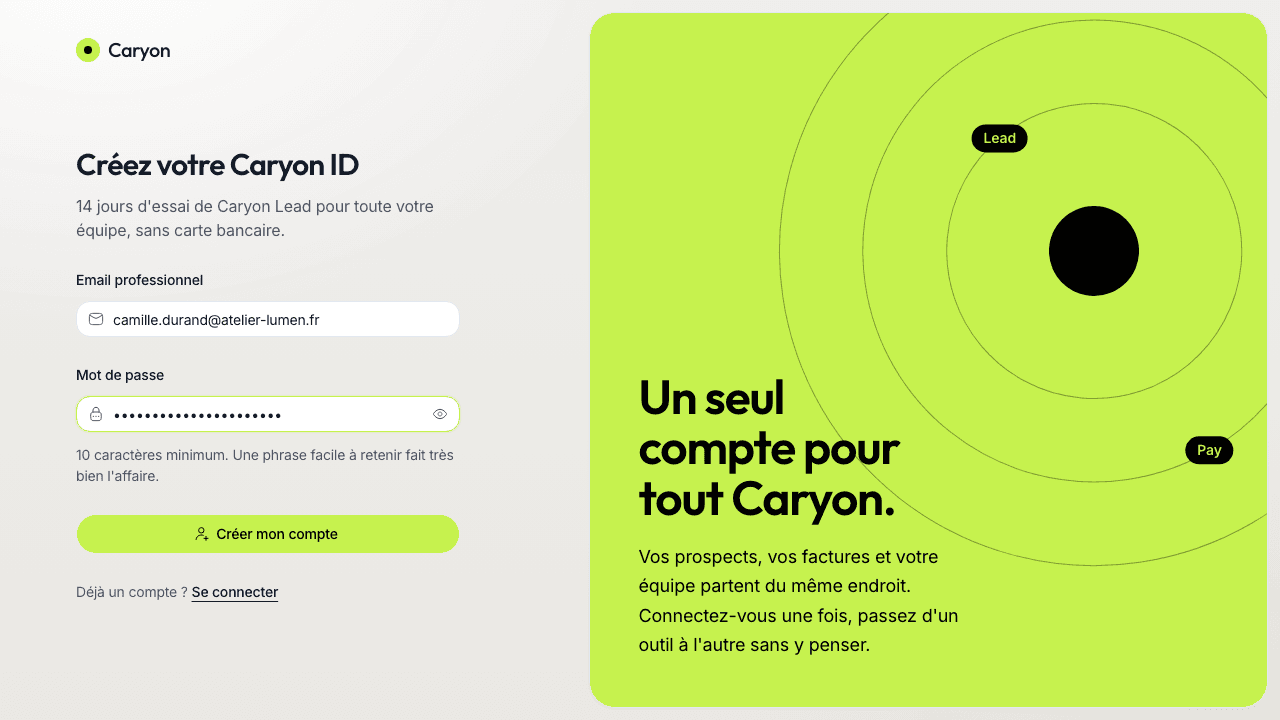
Open the sign-up page
Go to id.caryon.app and choose « Créer un compte » (Create an account).
Enter your email and a password
Prefer your work email: it is used to suggest the name of your workspace.
You can also choose « Continuer avec Google » (Continue with Google): your account is then created with your Google address, with no password to remember.
Confirm your address
A 6-digit code arrives in your inbox. Type it on the same screen: it is checked as soon as you enter the sixth digit.
The code doesn't arrive?
Check your spam folder. After 60 seconds, « Renvoyer un code » (Send a new code) sends you a new one (the previous one stops working). If you mistyped your address, « Changer d'adresse » (Change address) takes you back to the form.
If the address already has an account, you get an email saying so instead of a code: just sign in.
Create your workspace
Once your address is confirmed, four short steps guide you. Every answer is pre-filled: checking is often enough.
- « Faisons connaissance » (Let's get acquainted) — your name, as your team will see it.
- « Créez votre espace de travail » (Create your workspace) — usually the name of your company. You can rename it later.
- « Votre essai Caryon Lead » (Your Caryon Lead trial) — the free 14-day trial starts, no credit card needed. Your whole team has access during the trial.
- « Invitez votre équipe » (Invite your team) — enter your colleagues' emails (up to 5 at this step), or skip: you can do it later.
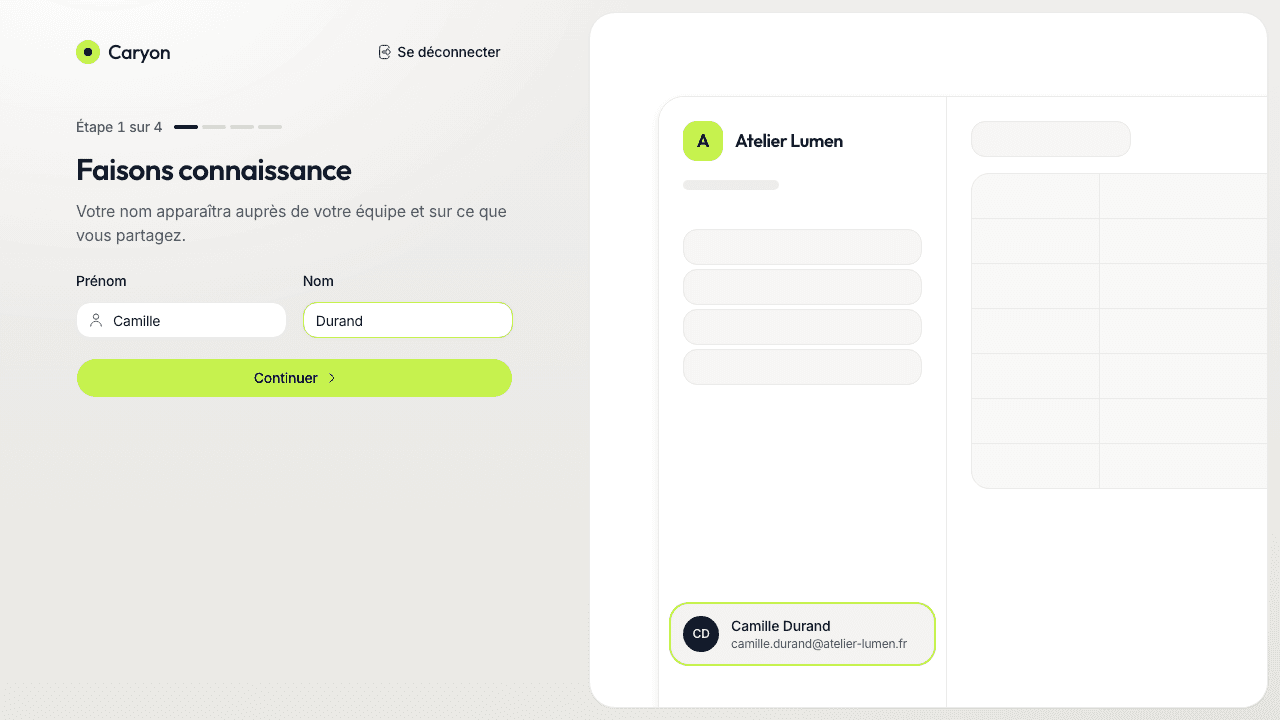
At the end, Caryon Lead opens straight into your new workspace.
If you reload the page midway, you pick up where you left off.
What next?
- Get to know Caryon Lead to find your way around the menu and the screens;
- Invite your team if you haven't yet;
- Install the extension to add your contacts from LinkedIn;
- During your first 30 days, the « Premiers pas » (First steps) card, at the top of the « Aujourd'hui » (Today) tab of the Agenda, shows your next step.
A question not answered here? Write to us at contact@caryon.app.